Your client process doesn’t have to feel chaotic.
Your client work is good. Your backend systems are costing you time, money, and your evenings.

The exact Notion system I used to hit 6 figures as a solo designer AND still use daily in my design studio, project management, client portal, onboarding workflows, and every email template you'll ever need. Set up in a day. Used on every project from day one.
But don’t just take my word for it. There are other designers using this system right now and thriving in their business!


You became a designer to do creative work. Not to drown in admin.
But somewhere along the way, managing the business ate the business.
-
Projects running weeks over timeline, eating into your next project's start date and your profit margin
-
Onboarding rebuilt from scratch every time, a cobbled-together mix of Google Docs and hoping for the best
-
Client communications scattered across email, WhatsApp, and DMs, with no single source of truth
-
Scope creep that happens because there's no clear structure for sign-off rounds and revision limits
-
No bird's-eye view of your business, just a never-ending to-do list and a vague sense of being behind
-
Admin eating the hours you should be spending on attracting your next client, so you stay stuck in the cycle
Your work is good. You know that. Your clients know that.
It's the stuff behind the scenes that's quietly bleeding your time and energy.
You don't need to build a system from scratch. You need one that already works.
Imagine starting Monday knowing exactly where every project stands.
Your client gets their portal link. They know what's happening, what's needed from them, and when. You're not fielding the same questions you answered last week.
Projects close on time. Scope creep doesn't happen because the structure doesn't allow it. Your clients refer you, not just because your work is good, but because working with you feels different to every other designer they've used.
And you're done by 6pm.
That's not a fantasy. That's what a properly built system does.
go from admin nightmare to process pro
|
go from admin nightmare to process pro
|
go from admin nightmare to process pro | go from admin nightmare to process pro |
WELCOME TO THE SEAMLESS STUDIO HUB
This isn't a generic Notion template with pretty colours and no substance. This is the actual system I built over three years, refined across hundreds of real client projects, to run my own studio.

70% less admin time from day one
1 day to set up and start using
£40 one-time. Lifetime updates.
here is what you get
|
here is what you get
|
here is what you get | here is what you get |
Not only do you get access to the notion template , you get the exact system that helped my grow my design business and gain back my freedom.
I’m not gatekeeping ANYTHING. I walk you through the exact template I use with all of the client email templates, copy and client communications inside the template, and all of the questionnaires I use to get the right info out of my clients.
01 / PROJECT MANAGEMENT + STUDIO TASK LIST
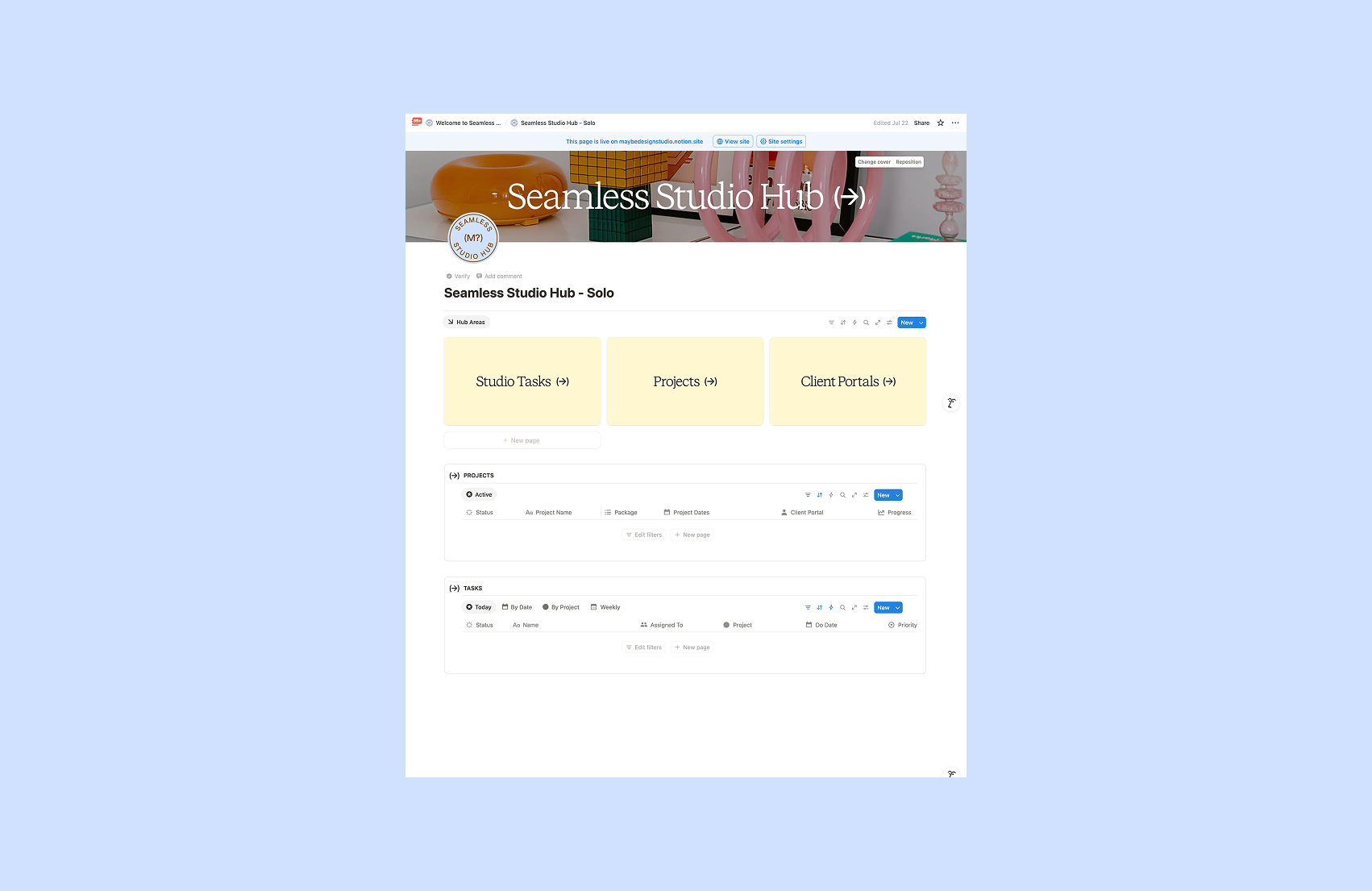
A bird's-eye view of your entire business,not just your current projects
Set up new projects in minutes using pre-populated templates built around your specific offers. Plan your weeks, track tasks, and work on your business instead of just in it.
✓Pre-built project templates for your service types
✓Full business overview with all project timelines in one place
✓Weekly task planning system built around your projects
02/ CLIENT PORTAL TEMPLATE
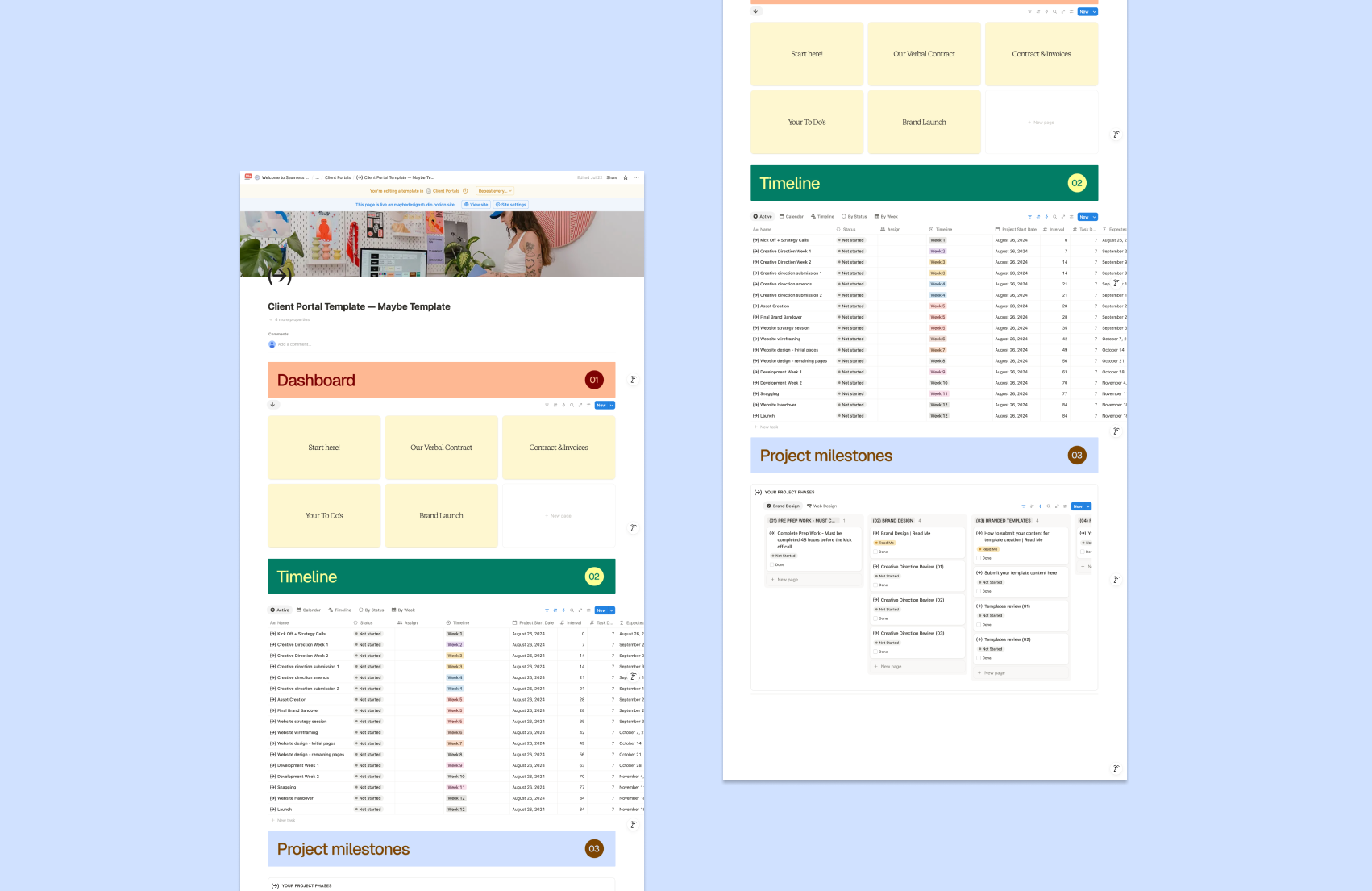
Your clients always know where things are, what's happening, and what they need to do
The client-facing side of your studio. Professional, clear, and fully customisable to your brand. No more chasing feedback or re-explaining the same thing twice.
✓Onboarding, housekeeping, contracts and invoice links in one place
✓Client-facing timeline to map and communicate milestones
✓Milestone tracker with feedback, client tasks, and structured sign-off rounds
✓Bonus: my exact branding and website design portal + full walkthrough of how I run both
03/ tutorials and templates to customise your space

You don't need to be a Notion expert. Everything is walked through step by step.
The full tutorial bank takes you from A to Z — so you can be up and running within a day. Figma templates let you brand the whole thing in minutes.
✓Full A–Z setup tutorial bank
✓Figma templates to customise to your brand
✓2 weeks Slack support while you get set up
BONUS*** ACCESS TO TEMPLATES AND MY EXACT CLIENT PROCESS

Every email, script, and questionnaire I've refined over 5 years. Nothing gatekept.
✓Client communication scripts from onboarding to offboarding
✓Brand strategy questionnaire
✓Website forms — pre-prep questions, snagging pages, copywriting templates
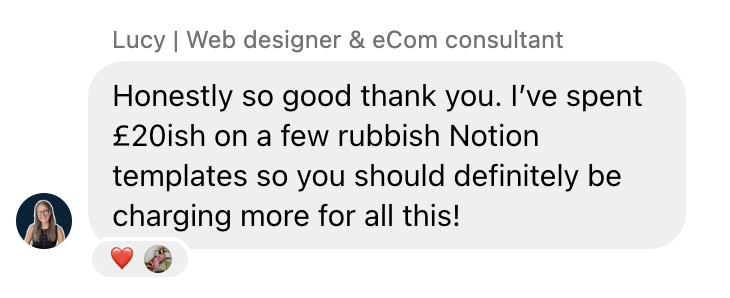
Here's what other designers are saying:
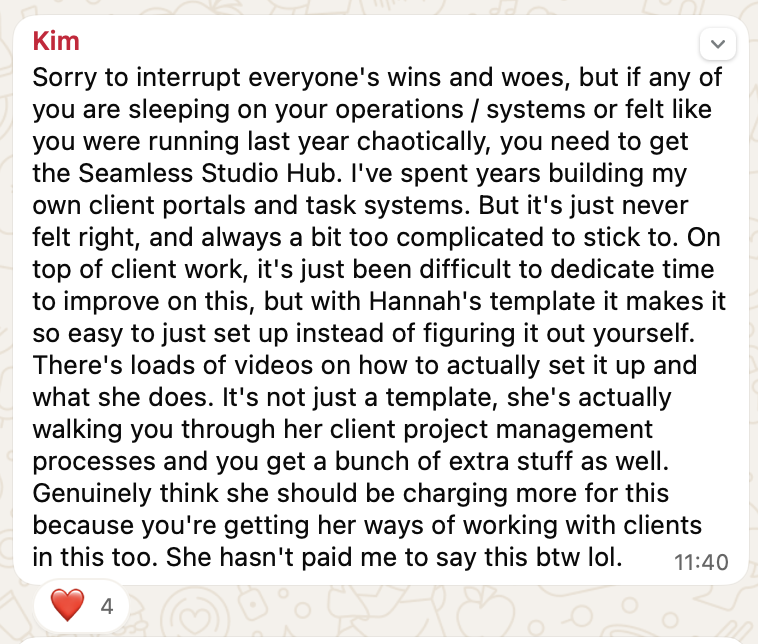
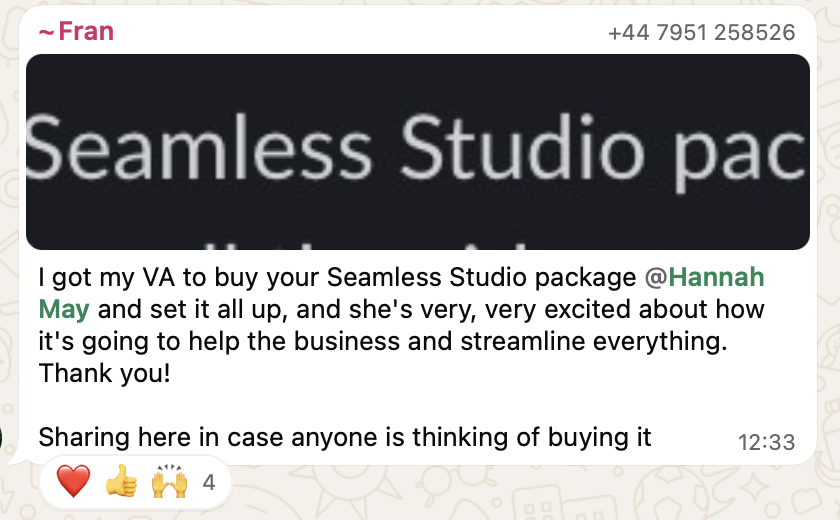
The Seamless Studio Hub is not another cookie cutter, notion template you find on etsy with no substance or with a £197 price tag.
Its THE system that I use day to day in my business. That has taken me full year since its first iteration to make it ready to sell. And I wanted it to be at a price that made is accessible to everyone at just £40. And others agree.


BUILD BY A DESIGNER FOR DESIGNERS
Hey! I'm Hannah May. Founder of branding agency Maybe Studio and mentor for designers and creatives
I'm Hannah — founder of Maybe Design Studio and mentor to designers building businesses they actually enjoy running.
Four years ago I was drowning. Talented enough to be busy, not organised enough to be profitable. Projects running over. Evenings gone. Admin eating everything.
I spent a year and thousands building a system that actually worked for the way designers think and the way client projects run. The result is this.
It helped me:
→ Scale to 6-figure revenue as a solo designer
→ Close projects on time without scope creep
→ Raise my prices confidently
→ Get my evenings and weekends back
→ Attract perfect fit clients on repeat
I'm sharing it at £40 because I genuinely want it to be accessible to designers at every stage.
Frequently Asked Questions
-
No. The setup tutorial bank walks you through everything from scratch. If you can follow a video, you can set this up. Most people are fully running within a day.
-
Almost certainly. Most DIY Notion setups have the bones but not the detail — no client-facing portal, no communication scripts, no structured sign-off process. This fills the gaps without replacing what's working.
-
Those are built to look good in screenshots. This is built to run a real design business. The communication scripts, questionnaires, and workflows came from 5 years of actual client projects — not from someone who's never run a studio.
-
Everything is customisable, and the tutorials show you how to adapt it to your specific offers and workflow. The 2 weeks of Slack support is there exactly for this — so you're not figuring it out alone.
-
Every time I improve the system — new templates, refined processes, new workflows — you get access automatically. No repurchasing, no upsells.
-
It's my Figma template and mini course for the brand development process — creative direction, brand guidelines, concept presentation, and client handover. Bought together, you have your backend systems and your brand delivery process both covered. It's offered at a discounted price at checkout because the two work together.

What your design biz life looks like with the hub on your side
Take ownership of your projects and position yourself as the expert service provider that you are.
Stop scope creep, slipping timelines and wasted time on back and forth.
Make your projects more profitable. Meaning: You make more money for your time
Be known as the designer with the good processes. Have your clients rave about you are refer you on to anyone who will listen
Gain back the time freedom that you longed for when you started your business